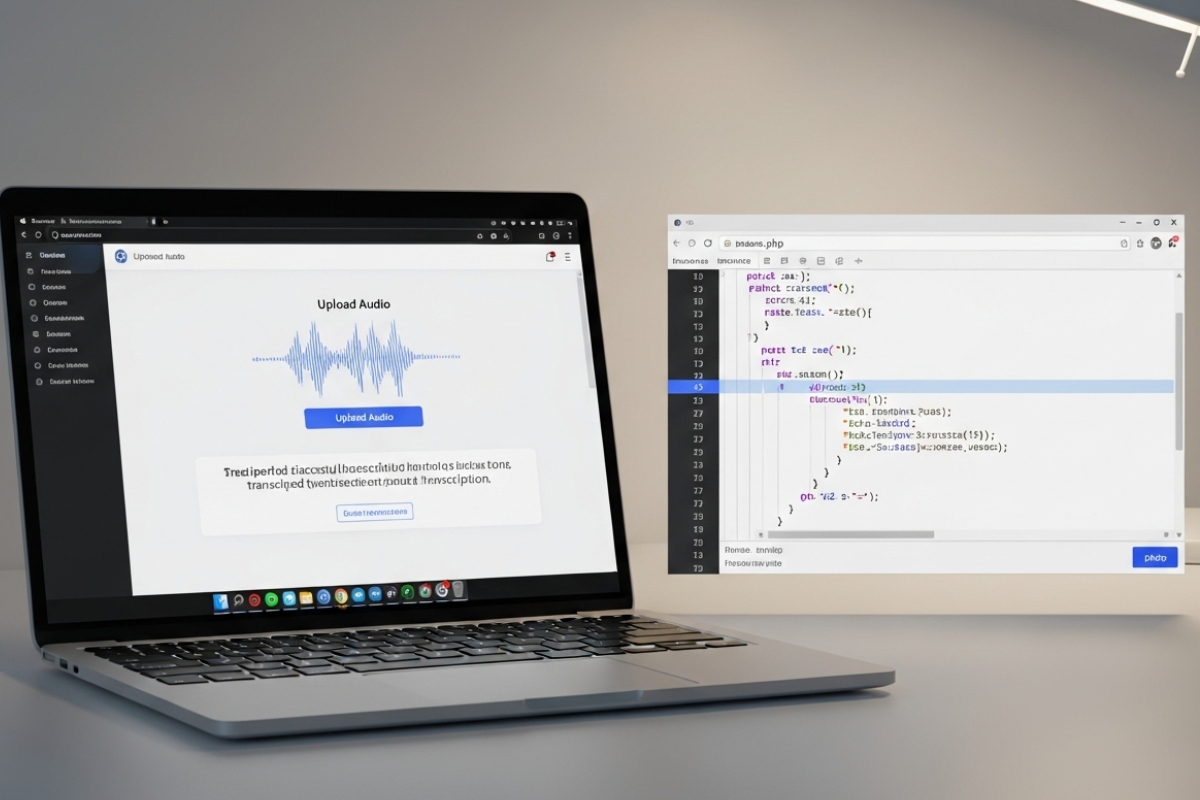
Audio is everywhere in modern products. Users send voice notes, upload podcast clips, attach meeting recordings, and share short videos that contain the real context. If your PHP app stores those files but cannot read what was said, you end up with a library that feels silent. Transcription fixes that. It turns speech into text that your app can store, search, moderate, summarize, and reuse inside real features.
Start with the simplest win: turn a common upload into text. If your users submit MP3 files, you can transcribe the MP3 file to text right after the file lands on your server. That single step changes everything. You can attach transcripts to posts, index them for search, and show readable previews next to each upload. It also opens the door to captions later.
Building a Flexible Audio-to-Text Workflow
To keep the integration clean, treat transcription like any other external service your PHP app calls. A lightweight HTTP client pattern helps. The approach in a lightweight API client fits perfectly here. You validate input, send a request, parse JSON, and store results. No big frameworks required, just predictable code paths you can test and maintain.
Not every upload is MP3. Users show up with M4A from iPhones, WAV from recorders, and MP4 when video is part of the workflow. A flexible endpoint that handles multiple formats makes your feature feel native instead of limited. That is where a general audio-to-text workflow becomes valuable. It keeps your UI simple. The user uploads a file, your server processes it, and the app returns structured text with segments that can be displayed cleanly.
Once you have transcripts, you need to store and query them without slowing the rest of your product. Query efficiency matters as transcripts grow. The practical techniques in faster SQL queries apply directly to transcript tables. You will be searching long text, filtering by user, and paginating results. A small schema decision now saves you painful refactors later.
Styled Summary
- Accept common formats like MP3, M4A, WAV, and MP4.
- Run transcription after upload, and store results in a transcript table.
- Generate caption exports using SRT or VTT for media playback.
- Index transcripts for search, moderation, and content reuse.
- Move transcription work to background jobs for better UX.
What transcription unlocks inside a PHP product
Think about what your users do after they upload media. They want to find a moment, pull a quote, share a snippet, or turn a recording into notes. Without text, they scrub through audio like it is 2008. With text, your app becomes useful immediately. A transcript supports keyword search, clickable timestamps, and even simple analytics like word frequency per upload.
It also helps with trust and safety. If your app hosts user-generated content, you can scan transcripts for policy terms or spam patterns before a clip goes live. That is not perfect moderation, but it gives you a first filter. It can also reduce manual review load when your platform grows.
File handling basics that prevent headaches
Audio uploads look harmless, but the risks are real. Validate MIME type with finfo. Restrict file size. Store uploads outside the public web root. Generate a random filename. Keep the original extension only if you have verified it. These are boring steps, but they protect your server and your users.
Keep your upload handler strict. Only allow the formats you intend to support. If you accept MP4, verify it is actually a video container and not a renamed file. If you accept WAV, enforce a size limit because raw audio gets huge fast. In most apps, you also want to tie every upload to an authenticated user and log the request metadata for audit trails.
A clear data model for transcripts
Transcripts can be longer than you expect. A 30-minute recording can produce thousands of words. Use a LONGTEXT column for safety. If you plan to support segment-level UI, store segments as JSON, too. That gives you a start time, end time, and text chunks you can render with a clean interface. You can still keep a plain full transcript for search and export.
| Field | Type | Why it exists |
|---|---|---|
| media_id | INT | Connects the transcript to the uploaded file |
| transcript_text | LONGTEXT | Full readable transcript for search and display |
| segments_json | JSON | Timestamped chunks for captions and clickable UI |
| language | VARCHAR(10) | Helps with filtering and multilingual interfaces |
| status | VARCHAR(20) | Tracks queued, processing, complete, failed |
With this structure, your PHP app can show a transcript page instantly while still supporting advanced features later. You can add a FULLTEXT index transcript_text or push transcripts into a search engine if your scale demands it.
How the request flow should feel for users
User experience depends on timing. If you transcribe during the upload request, the user waits and may assume the app is stuck. That is fine for tiny files, but it breaks quickly at scale. A better approach is to accept the upload fast, then process transcription in the background. The UI shows a simple status, then refreshes when the transcript is ready.
This pattern also improves reliability. If the transcription provider is slow, your upload still succeeds. Meanwhile, if the provider fails, you can retry without forcing the user to upload again. You can even notify users by email or in-app alerts when a transcript is available.
One practical listicle for building the first version
- Limit formats to MP3, M4A, WAV, and MP4 at launch.
- Store uploads outside the public directory with random names.
- Create a transcript table with LONGTEXT and status fields.
- Queue a transcription job after the upload completes.
- Render transcripts with segments for quick scanning.
- Add export buttons for SRT and VTT if you support video.
Generating captions with SRT and VTT
Captions are where transcription turns into a visible product feature. If your provider returns timestamps, you can generate SRT and VTT exports. SRT is widely supported across editors and players. VTT works nicely with HTML5 video tracks on the web. Users appreciate being able to download captions for editing, publishing, or translation workflows.
SRT formatting is strict. Each entry has an incrementing number, a timestamp range, and the text. VTT is similar but designed for the web. If you store segments as JSON with start and end times, generating either format becomes a simple transform step inside PHP.
Background jobs that keep your app responsive
Transcription is CPU-heavy if you do it yourself, and it is time-consuming even if you outsource it. Either way, you want background processing. Cron-based workers work fine for small apps. A queue-based worker is better as the load increases. The key is that your PHP request thread should not sit idle waiting for a long response.
Here is the core idea as numbered steps. Each line is a single point and can map to a real function in your codebase.
- Write a job record with media_id, status, and attempt count.
- Worker pulls queued jobs in small batches with locking.
- Cron-based worker sends the media file to the transcription endpoint.
- Worker saves transcript_text and segments_json, then marks complete.
- The cron-based worker logs errors, retries with backoff, and then marks it as failed if needed.
That structure stays stable even if you later move from cron to a message queue system. It also keeps your app honest. You can measure processing time, failure rates, and queue backlog with simple logs.
Search, filters, and the features users actually notice
Once transcripts exist, the fun part begins. Add search across uploads. Add highlights for matched phrases. Add filters by language. Add a compact preview that shows the first few lines of text so users can confirm they uploaded the right file. These features reduce friction and encourage repeat use.
If you support video, show captions inside your player with VTT tracks. If you support audio only, consider a transcript view that scrolls and highlights the active segment when the audio is playing. Even a basic implementation feels premium compared to a bare download link.
A final check on accessibility and expectations
Transcription helps users who are deaf or hard of hearing, and it helps users who prefer reading in quiet spaces. It also helps non-native speakers who want to follow along at their own pace. For many teams, captions are part of accessibility goals and product quality expectations. If you need an authoritative reference for accessibility requirements, the Web Content Accessibility Guidelines (WCAG) provide the official framework used worldwide.
Make your PHP app understand what users said
A transcription feature is not just a checkbox. It changes how your PHP app treats media. Audio and video stop being passive files and start behaving like searchable content. You can build better search, better moderation, better captions, and cleaner workflows for user-generated content. The integration stays straightforward when you keep the upload pipeline strict, store transcripts with a clear schema, and run processing in background jobs.
Once your first version is live, you can iterate fast. Add segment highlighting. Add exports. Add language filters. Users will feel the difference immediately because their media becomes readable inside your product.
No Responses